Face
FaceYour face is the expression pedal.
Face MIDI turns how far you open your mouth into a MIDI CC value, live, from your webcam. Sweep a wah, a filter or a volume knob hands-free while you play.
A wah, a mouth, no hands.
Both hands stay on the guitar; the mouth sweeps the pedal. The short clip underneath runs the whole setup, end to end.
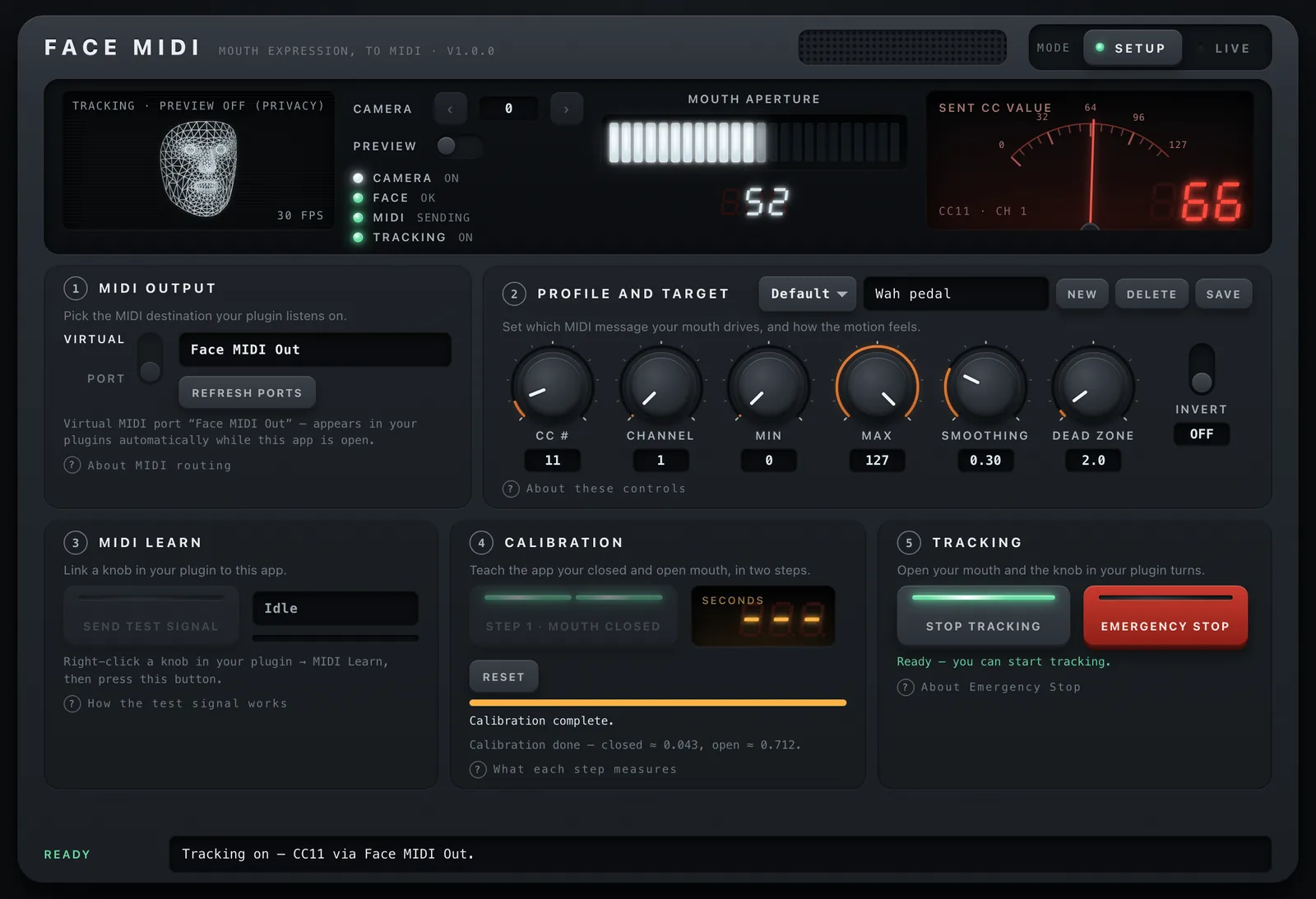
Three panels, in order.
Route it.
Face MIDI opens a virtual MIDI port called "Face MIDI Out". It appears in your DAW or plugin automatically while the app is open. Prefer a hardware or IAC port? Pick it from the list.
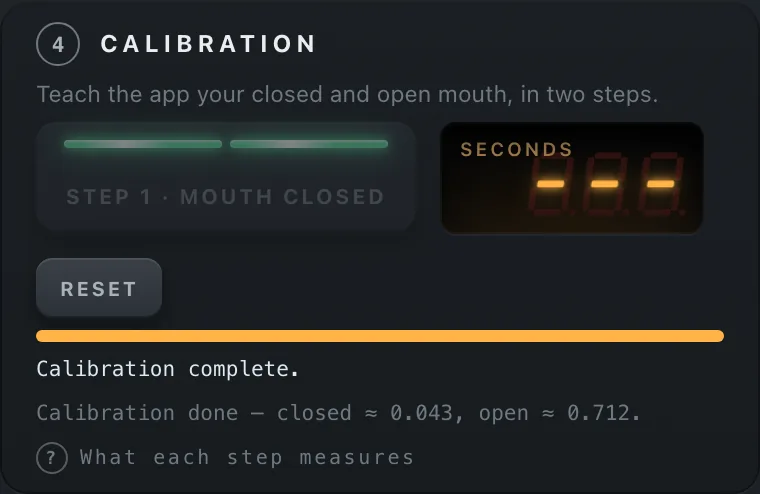
Calibrate in six seconds.
Two steps, each a three-second countdown: mouth closed, then mouth open. That is your range, and the app remembers it between launches.
Play.
Right-click a knob in your plugin, choose MIDI Learn, press Send Test Signal in Face MIDI. From now on the knob follows your mouth.
Built like a pedal, behaves like one.
Hands-free expression.
Both hands stay on the instrument. The CC value follows your mouth at camera rate, 30 frames a second.
Works with any plugin that has MIDI Learn.
Amp sims, wahs, filters, synth macros, DAW automation lanes. Standard MIDI CC, nothing proprietary.
A wireframe, not a webcam feed.
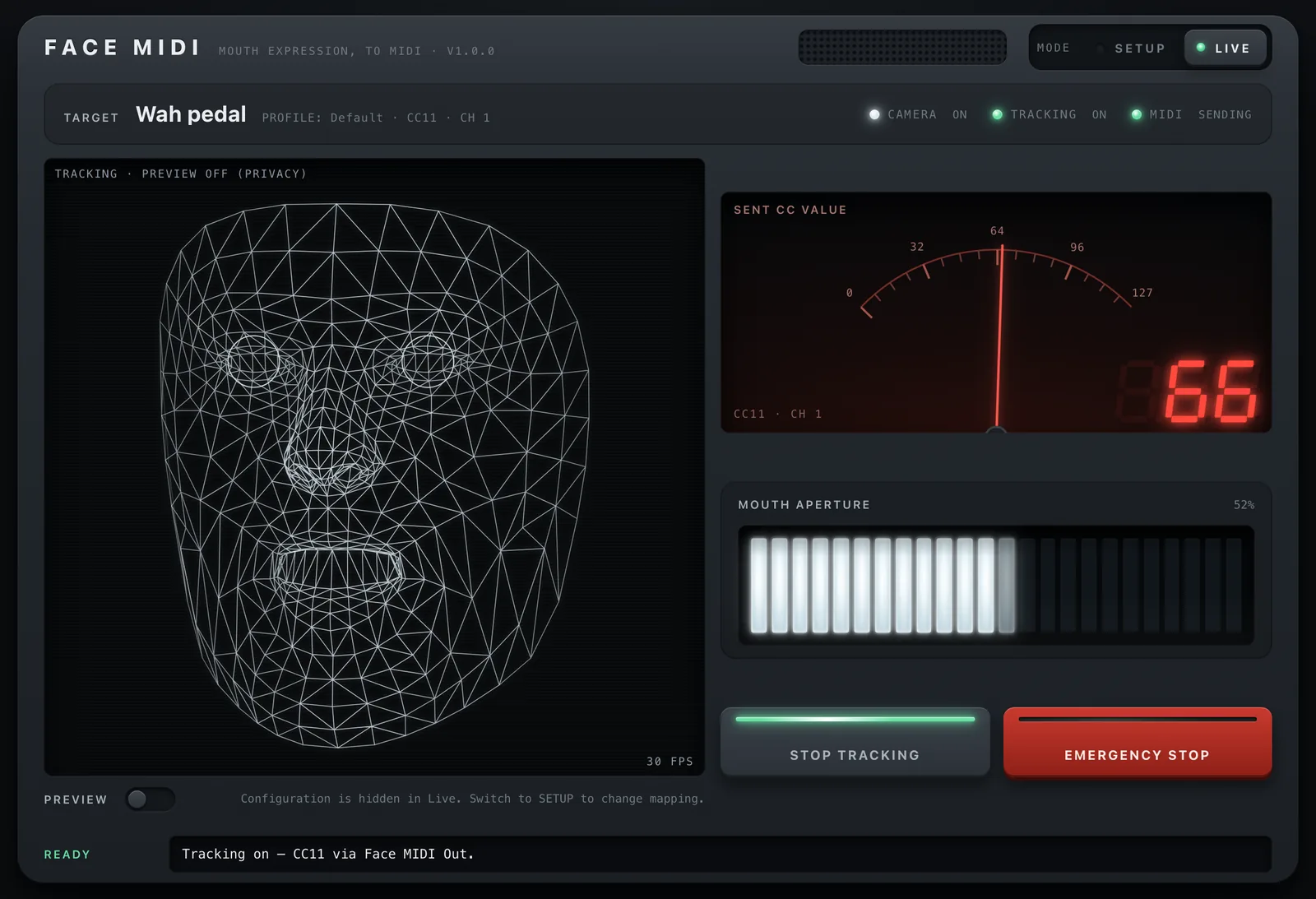
The camera window shows a live 3D wireframe of your face that turns and opens with you. The video preview is off by default and stays off unless you switch it on.
Calibration that fits your face.
Closed and open are measured on you, not assumed. Reset and redo it any time.
Shape the response.
CC number and channel, min and max, invert, smoothing and a dead zone, saved per profile so each plugin gets its own.
Fail-safe by design.
Emergency Stop parks the value instantly, and the CC returns to a safe value whenever tracking stops or the app closes.
Live view: the wireframe follows the head, the needle follows the mouth. No camera picture unless you ask for one.
Nothing leaves your Mac.
The camera is the most personal sensor on the machine. Face MIDI treats it that way.
- All face tracking runs on your computer, in the app's own memory.
- No frame is written to disk. No frame is sent anywhere.
- The app makes no network requests: no telemetry, no analytics, no update checks, no account.
- The face model ships inside the app; nothing is downloaded at runtime.
- Camera preview is off by default. With it off, only landmark positions reach the interface, never pixels.
Short answers.
Does it work with my plugin?
If the plugin has MIDI Learn or can map a MIDI CC to a parameter, yes. Face MIDI sends standard CC messages on the channel you choose.
How fast does it react?
The camera runs at 30 frames a second and the value is sent every frame. Smoothing is adjustable: lower for snappy wah, higher for slow swells.
Does it need an internet connection?
No. Nothing is downloaded and nothing is uploaded, ever.
Can I use it on stage?
Yes, as long as your face stays in the camera's view and reasonably lit. If the face is lost, the CC returns to the safe value you set.
Is there a Windows version?
Not yet.
Free. On your Mac.